

Perfect Player Setup Guide
Perfect Player is a set-top box style IPTV player for Android with EPG support and a clean interface.
Supported Devices: Android Android TV
Step-by-Step Instructions
1
Install Perfect Player
Download Perfect Player from the Google Play Store.
2
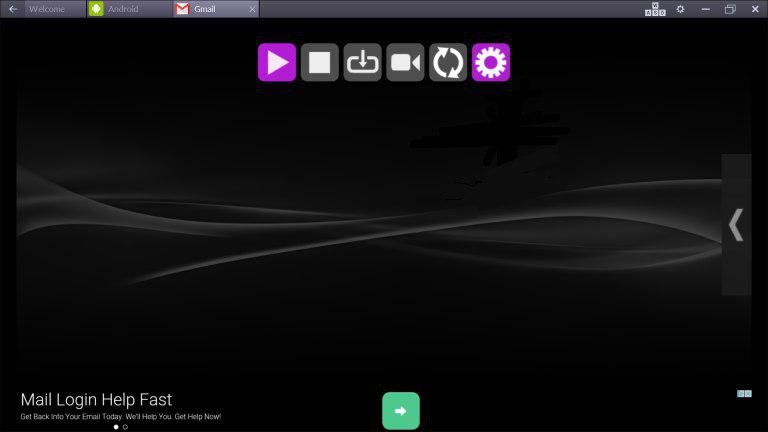
Open Settings
Launch the app and press the menu button to access Settings.
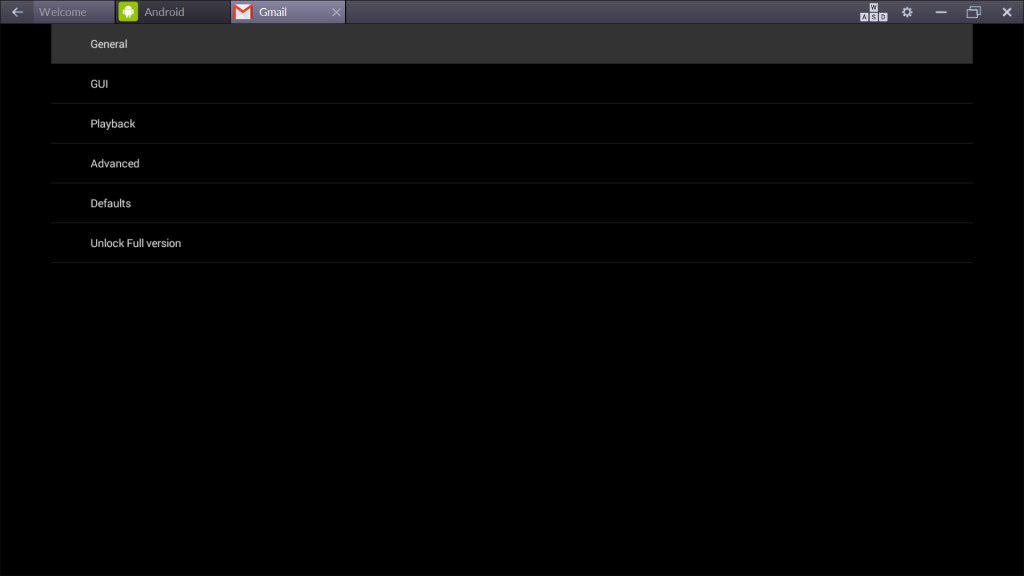
3
Go to General
Select General from the settings menu.
4
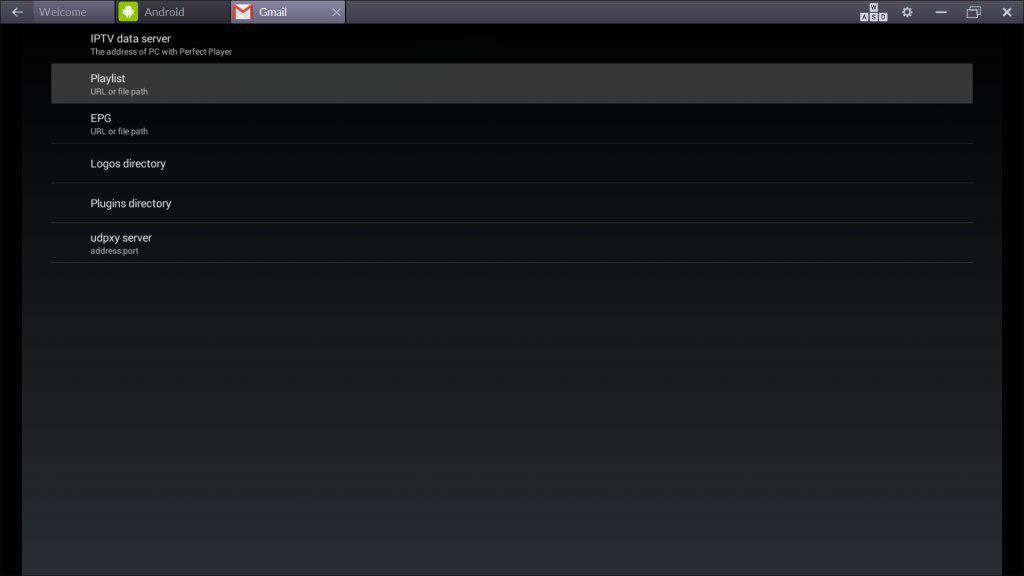
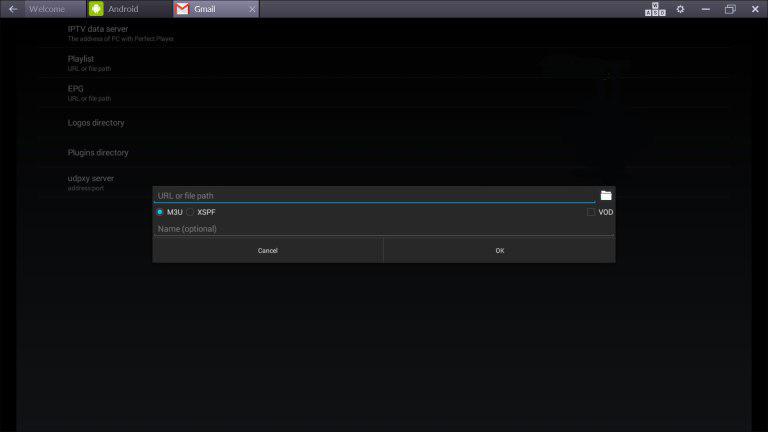
Add Playlist
Go to Playlist. Enter your M3U URL and click OK.
5
Start Watching
Exit settings and the channels will load automatically.
Setup Complete!
Your Perfect Player is now configured with Cosmos IPTV. Enjoy watching your favorite channels and content!
Pro Tips
- Perfect Player has a classic STB-style interface
- Use the EPG feature for program schedules
- Customize the channel order in settings
Need Help?
Our support team is available 24/7 to help you with the setup.
Quick Navigation



Don't Have a Subscription Yet?
Get started with a 24-hour free trial and experience premium IPTV on your Perfect Player.